
Create a program
Putting a show on the week.
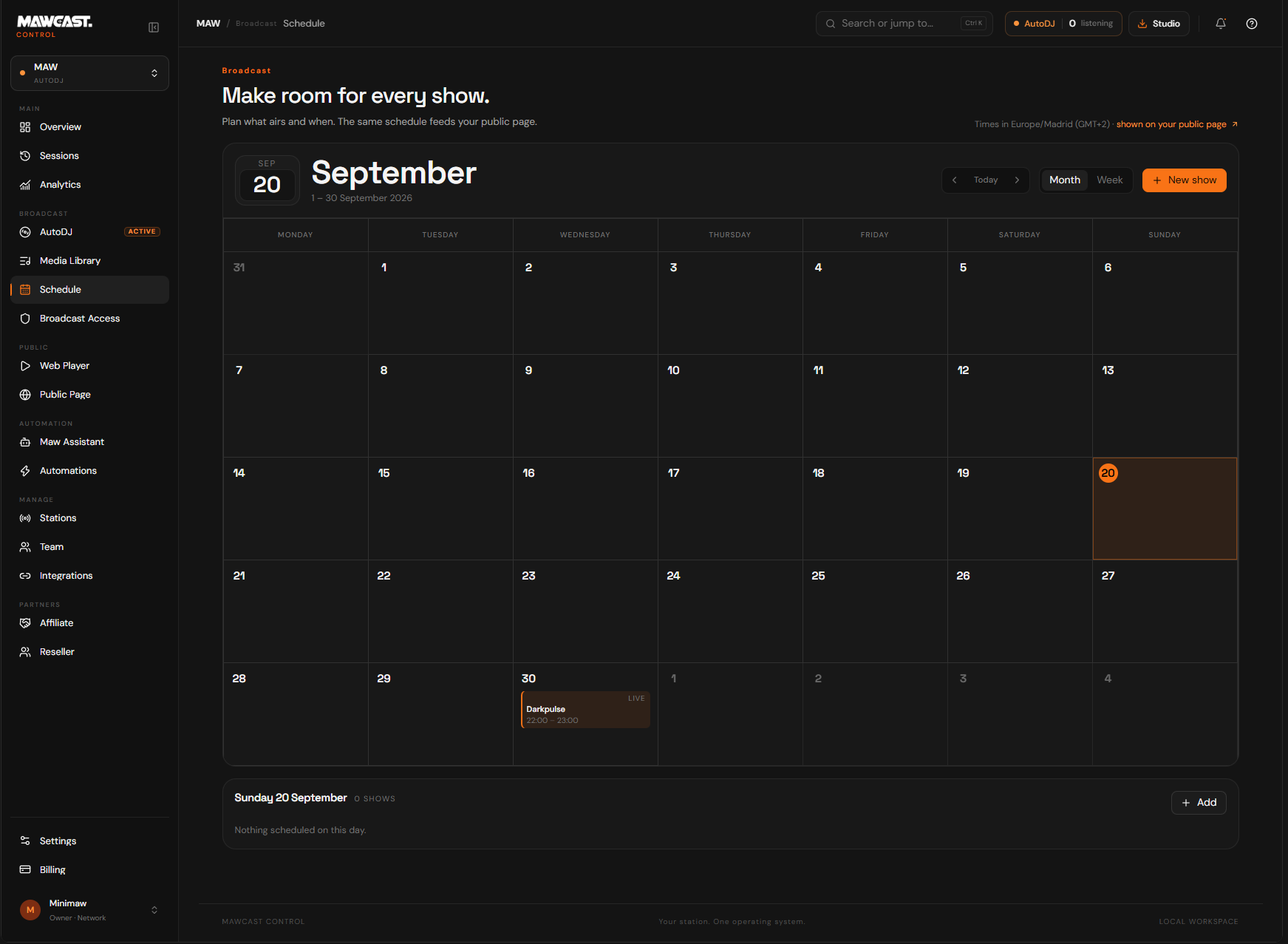
Open Schedule in Control
The calendar shows the station you have selected.
Pick a slot
Choose the day and time. The form opens with them filled in.
Name the programme
This is what listeners see on your page, so write it the way you would announce it.
Set the length
The end time is what the public page uses to know when the programme is over.
Choose its reminders, if you want any
Up to two per programme: 30 minutes, 1 hour or 1 day before it starts. This is the only place the lead time is set.
Save
The programme appears on the calendar and, if your page announces the schedule, on your page.
The reminders on a programme are delivered by MAW Assistant in Discord, to whoever has asked to be told about that station. The programme decides when; the person decides only whether. A repeating programme reminds every time it airs.
Still need help? Write to contact@mawcast.com.